

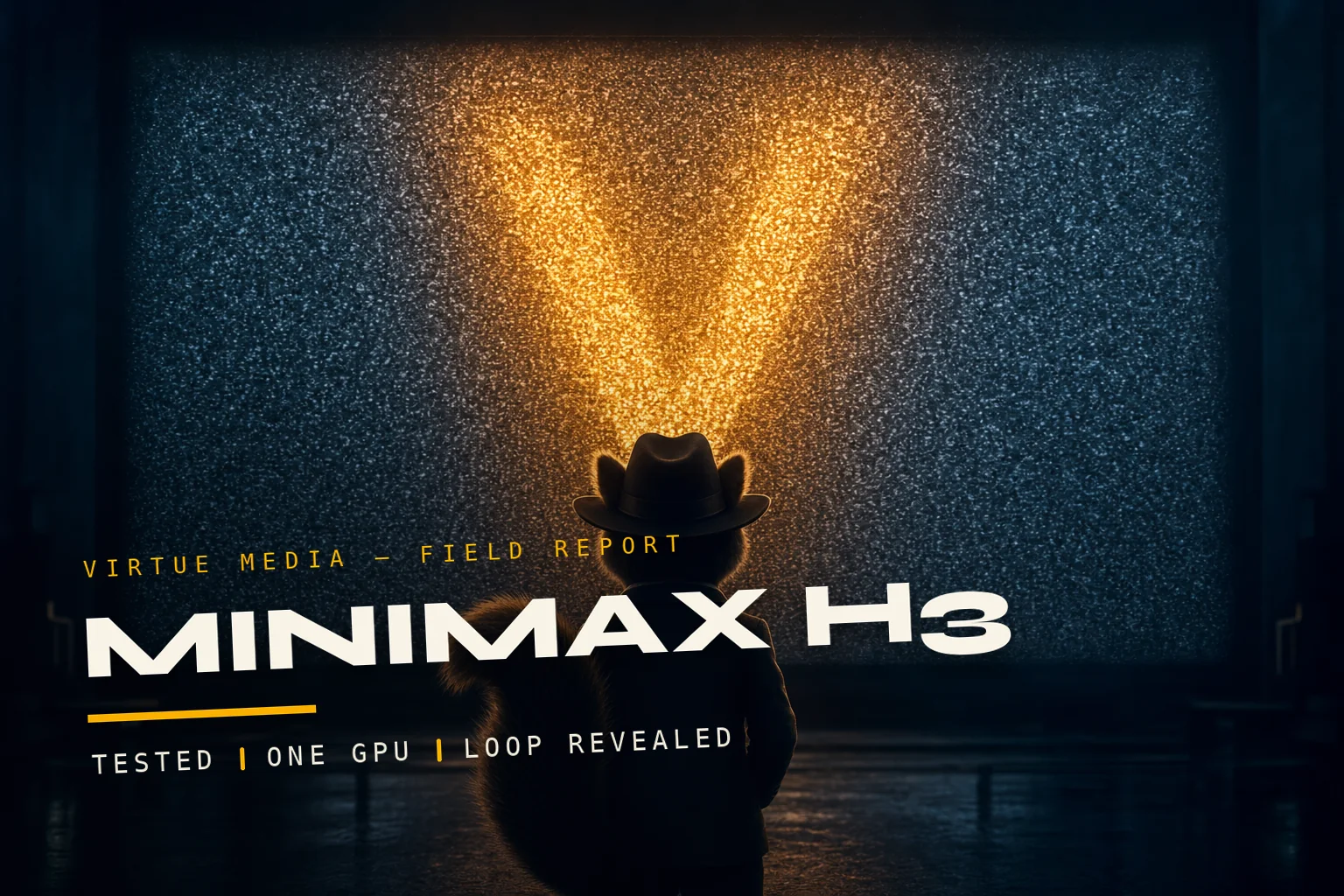
Field report by Sable Voss, Project Director. Every frame shown was generated in-house on the hardware described — no stock footage, no outsourced sound.
Every few months a model drops that makes our whole studio chat go quiet for an afternoon. MiniMax H3 did that to us twice: once when we read the spec sheet — video and synchronized stereo audio out of one diffusion pass, open weights, ComfyUI support on day one — and once when a ten-second brand film came off our render box with sound design we never asked a sound designer for.
This post is the full field report: the exact machine we installed it on, every model file and what it weighs, the ComfyUI graph, real render timings at real resolutions, the two walls we hit (one of them at 2 a.m., naturally), and how the test escalated from “abstract logo film” to a 94-second mafia comedy starring a squirrel. With dialogue. That the model spoke.
If you run a small studio and you have been wondering whether local AI video is actually usable on hardware you already own — this one is for you.
Not a cluster. A Windows box named eddie.
Everything in this post rendered on one machine: our in-house workstation “eddie,” which most days does image-gen duty. No cloud burst, no A100s. That constraint is the point — we wanted to know what this model does on hardware a working studio actually has.
SYSTEM Windows · 64 GB RAM
RUNTIME ComfyUI v0.32.0 · PyTorch 2.11.0+cu128
SERVING Windows service (WinSW) — renders with nobody logged in
DRIVING API-format graphs POSTed to /prompt from a Linux box
The service setup matters more than it sounds. H3 renders are long, so the box has to survive overnight unattended. A ComfyUI that only lives inside a logged-in desktop session is a ComfyUI that dies when Windows Update has feelings.
Four files and a prayer to the VRAM gods
H3 is an “omni” architecture: one diffusion model (MiniMax calls the family FL2VA) denoises video latents and audio latents together, a big Qwen3-VL encoder reads your prompt (and reference images), and two VAEs decode the result — one for frames, one for stereo sound. Here is what landed on disk:
Disk footprint — what H3 actually weighs
~61 GB total with the optional R2V checkpoint
Two install notes that would have saved us an hour each
The nvfp4 encoder runs fine on Ampere. The text encoder ships quantized in nvfp4, a format with Blackwell-native kernels — we assumed a 3090 was locked out. It is not: the weights dequantize on load and run without complaint. Don't skip the 15.7 GB download because of the format name.
ComfyUI 0.30+ wants torch ≥ 2.6. Our box was on an older 0.25 install with torch 2.3; H3's nodes need the current comfy core, and current comfy core needs a modern torch. We did a clean git clone, moved models and custom nodes over, and jumped straight to torch 2.11 + cu128. Zero regrets.
The graph — one pass, two senses
signal path pulses amber (video) and cyan (audio); audio is denoised alongside the pixels, not added after
One quirk worth a sticky note: duration snaps to a frame grid. Valid lengths are 17k + 5 frames at 24 fps, and the node rounds your requested seconds up to the next legal count. Ask for 10 seconds and you get 243 frames — 10.125 s. Resolution caps at 768p (768 × 1344) and 15 seconds. In theory. We'll get to “in theory.”
Test one: make the logo find itself
Our brand system is built on a single move — noise resolving into signal — so the first real test wrote itself: a ten-second continuous take where broadcast static calibrates into our mark. No cuts, no comps, one generation.
The trick that made it work is H3's last-frame conditioning. The image-to-video node accepts an optional last_frame input; we fed it a clean render of the standard mark on void, wrote the journey in the prompt, and let the model figure out how chaos becomes geometry. We call the result the FL2VA lock-in: it didn't drift near the target frame, it hit it.
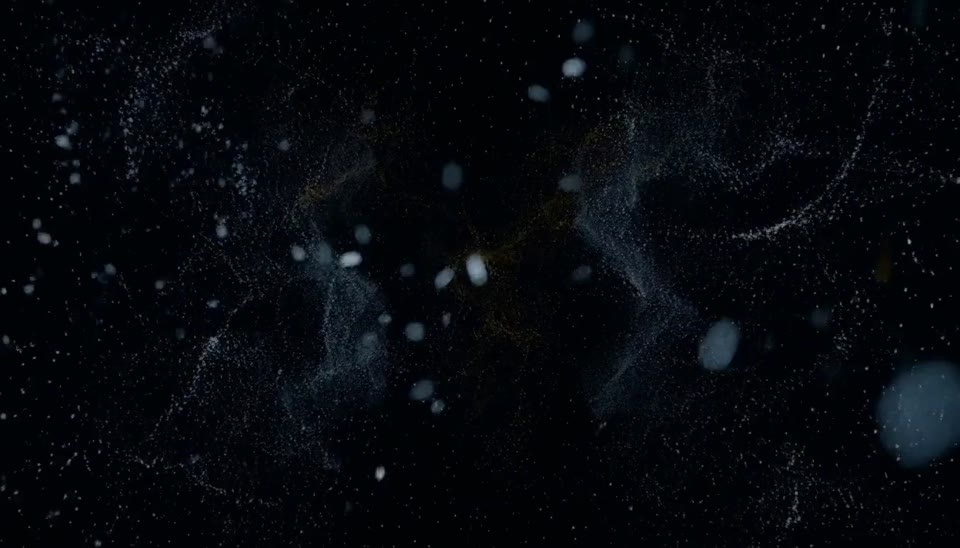
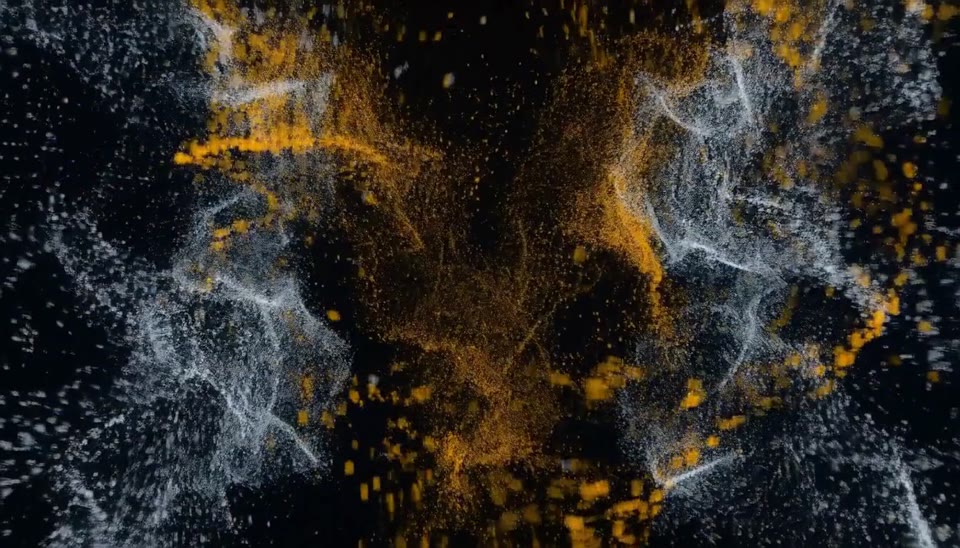

And the part that made the room go quiet: the audio came out directed. The prompt asked for dense radio static thinning into a low pulse, resolving to one clean sustained tone at lock-in. That is what is on the track — synchronized to the visual resolve, in stereo, from the same pass.
What patience costs at 24 GB
Here is the part every “wow” demo skips. H3's quality scales with resolution, and on a 24 GB card, resolution scales with offloading — once the working set outgrows VRAM, layers shuffle between GPU and system RAM and the clock stretches. Our measured wall times, same 20-step config throughout:
Wall-clock render time per shot · RTX 3090
times measured, not quoted
The arithmetic writes your production process for you. You cannot afford to discover a bad take at final resolution — an hour per roll of the dice is casino pricing. But at draft resolution you get a full scene look in under ten minutes. So: iterate at 608 × 352, lock the prompt, then spend the hour once.
The loop we settled on
every final shot earned its render time
Two operational details that made the loop fast: ComfyUI's queue accepts {"front": true} on submit, so a QC re-roll jumps the line instead of waiting behind overnight finals; and because the server runs as a service, the queue itself is indestructible — we loaded it up at midnight and collected shots at breakfast.
Where 24 GB actually ends
The spec sheet says 15 seconds at 768p. The spec sheet did not meet our 3090. Empirically, at 1344 × 768 the ceiling is 243 frames — 10.125 seconds. Ask for the next step up the frame grid (294 frames, 12.25 s) and the render dies out-of-memory, every time.
The 243-frame line · 1344 × 768
watch the second attempt
The 2 a.m. footnote: the orphan process
The OOM itself is fine — you learn the ceiling and plan shots at ten seconds. The nasty part is what an OOM crash can leave behind. Twice, the service's auto-restart raced the dying process and lost: the service manager reported stopped while an orphaned python still held the server port. Result: a fresh start “succeeds,” and then every queued job fails instantly with a socket error. It looks exactly like the model is broken. It is not — the port is haunted.
Then we made a mafia film about a squirrel
Abstract brand films are a soft target — no faces, no continuity, no dialogue. A real test needs a character who has to stay the same character for 94 seconds. So the studio greenlit the dumbest possible prestige project: THE NUTFATHER, a six-scene dark comedy about a crime-boss squirrel whose intimidation prank on the neighbor's adorable pigs backfires completely. (Pigs, it turns out, love mud. Who knew. Everyone. Everyone knew.)
This put us in H3's reference-to-video (R2V) mode — the optional 21 GB checkpoint. You attach reference images to the graph and address them in the prompt as <Picture 1>; the model carries that identity into motion. One locked portrait of Don Squirrelleone, six scenes, every scene prompted against the same reference.

What QC actually looked like
The hour-per-final math forced discipline: every scene rendered first as a 608 × 352 draft, and every draft went through the same three-station gate — frame strips (five stills sampled across the clip, eyeballed for identity and continuity), Whisper transcription of the generated audio (yes, transcribing the model's own speech back to text to check it said the line), and an audio level check so no scene came in hot.

The strips caught real failures. The two that will bite anyone using R2V:
Identity drift. At draft resolution, “match <Picture 1>” is not enough — across re-rolls our don would slowly become a generic woodland extra. The fix: restate the full anatomy in every scene's prompt (species, build, the suit, the hat), not just the reference tag.
Style register jumps. Scene 3 came back one draft as a gorgeous, fully-rendered Pixar cartoon. Same characters, same blocking, wrong universe. Unless you re-describe the whole setting and pin “photorealistic live-action, not cartoon” in every prompt, H3 will happily change genres between scenes.


The part we still can't quite believe
Dialogue in quotes renders as speech. Write “Next time... glitter.” in the prompt and the character says it — lip-synced, in a voice that fits the frame, on the native audio track. We verified every line by transcribing the output; the model's diction survived round-trips through Whisper. Ambient cues work the same way — we scripted distant thunder against specific beats and it landed on cue, in stereo.


Is a 3090 enough?
Yes — with a workflow. H3 on one consumer card is not a toy demo; it produced a client-grade brand film and a six-scene short with directed sound in the same week. But it only works if you respect the economics: draft cheap, QC ruthlessly, spend the hour once, and let a service-managed queue own the night shift.
Where H3 earned it
- Native stereo audio, directed by prompt — static→tone resolves, thunder on cue
- Spoken dialogue from quoted lines, verified by transcription
- Last-frame conditioning that genuinely locks the target (FL2VA lock-in)
- R2V identity from one reference image across six scenes
- Whole stack runs open-weights, offline, on studio hardware
Where it made us work
- ~67 min per 10-second final at 1344 × 768 on 24 GB
- Hard ceiling: 243 frames at 768p — the advertised 15 s needs more VRAM
- Identity and style drift unless every prompt re-states everything
- OOM crashes can orphan the server process — have the exorcism ready
- ~61 GB of disk before your first frame
Next on the bench: longer-form assembly patterns, and whether draft-res R2V can drive previsualization for live shoots. If you want the numbers from that one, you know where to find us — we'll be the studio whose render box smells faintly of toasted VRAM.
— Sable
0 Comments